Prompt For your business
Set up an AI note taker the right way
Get a calendar invite line, 3 ways to ask on the call, a 5-box settings checklist, a 5-minute test and a notes template.
Try it: Set up an AI note taker the right way
Copy and paste
FILL THIS IN (then copy everything into your AI chat)
My call app (the app you meet in, like Zoom, Google Meet or Teams): Zoom
Who's on my calls (who you meet with, like clients, co-workers or family): clients
My note taker (optional, the tool's name if you already picked one, like Fathom or Otter):
--- Don't change anything below this line ---
You are helping me start using an AI note taker on my calls in "My call app" with "Who's on my calls", the right way: everyone agrees to it, nothing gets shared by surprise, and the notes are actually useful. If "My note taker" is blank, keep it general and don't ask me.
Give me:
1) Before the call: exactly one sentence (under 25 words) I can paste into my calendar invites saying an AI note taker will join and that anyone can ask me to turn it off.
2) At the start of the call: 3 short, friendly ways to ask everyone if it's OK to record and summarize, plus a separate 4th line for when someone says no. Don't promise anything the tool might not do.
3) A settings checklist for before my first real call: exactly these 5 boxes I can tick, nothing added: who can open recordings and share links; whether summaries are sent to attendees automatically; whether others get a recording notice; whether my calls are used to train the company's AI; how long recordings are kept and how to delete one. Tell me what to look for, not where the buttons are, since you can't see my account. If "My note taker" is filled in, add only what you're sure that tool lets me change, and write "check in your settings" for anything you're not sure of.
4) A 5-minute test before a real call: record a short practice call with just myself, then check what was saved and who it was sent to.
5) A short notes template I can ask the note taker for after each call, with just 3 headings: decisions, who does what by when, and open questions.
Start your reply with part 1 and end it with the template in part 5: no intro line, no extra sections, no closing line.
Don't tell me what any law says for my state. Just tell me to ask everyone first. Don't connect to or sign in to anything.
Example result
We filled in: My call app: Zoom. Who's on my calls: clients. My note taker: left blank.
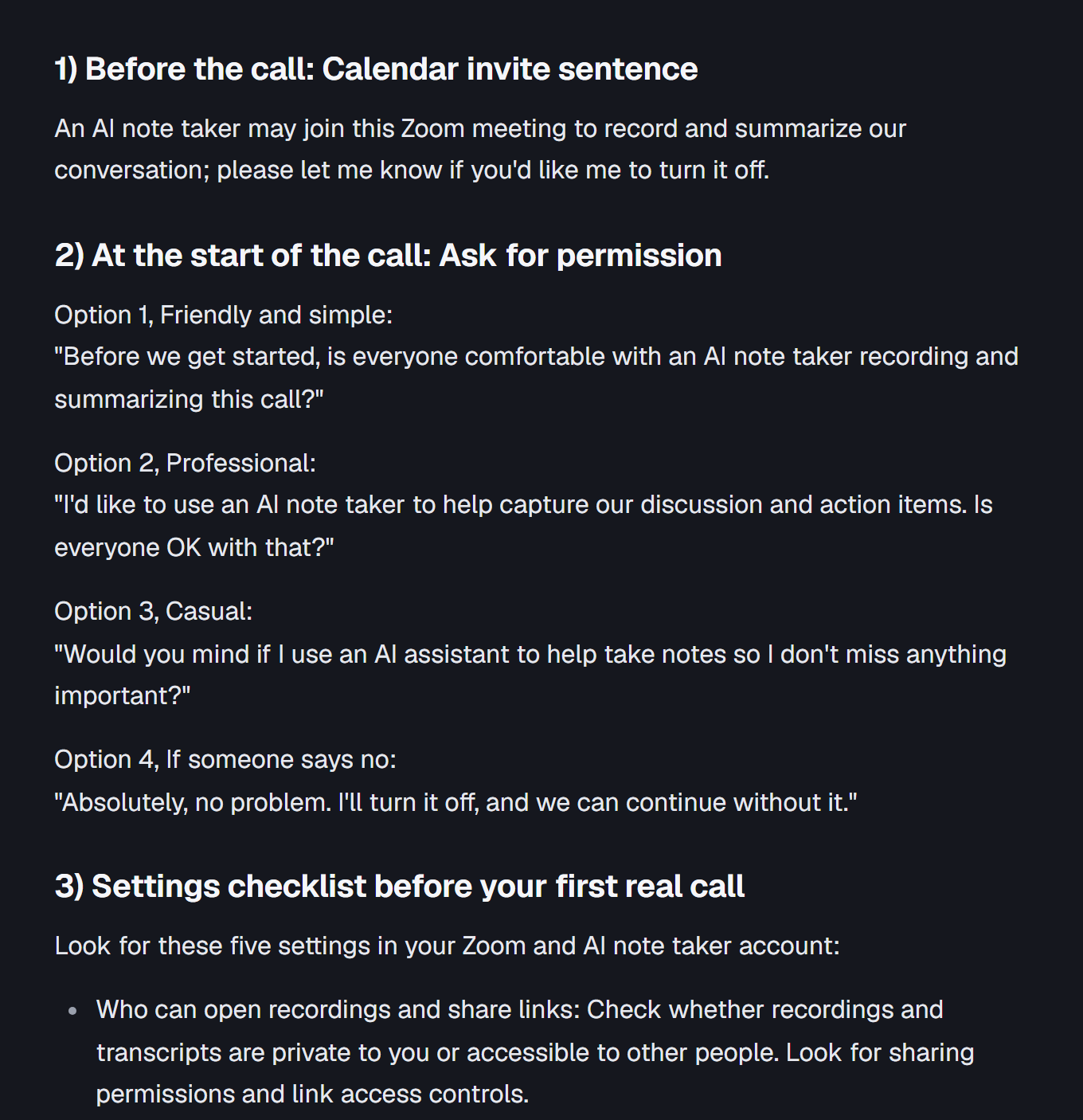
1) Before the call: Calendar invite sentence
An AI note taker may join this Zoom meeting to record and summarize our conversation; please let me know if you'd like me to turn it off.
2) At the start of the call: Ask for permission
Option 1, Friendly and simple:\
"Before we get started, is everyone comfortable with an AI note taker recording and summarizing this call?"
Option 2, Professional:\
"I'd like to use an AI note taker to help capture our discussion and action items. Is everyone OK with that?"
Option 3, Casual:\
"Would you mind if I use an AI assistant to help take notes so I don't miss anything important?"
Option 4, If someone says no:\
"Absolutely, no problem. I'll turn it off, and we can continue without it."
3) Settings checklist before your first real call
Look for these five settings in your Zoom and AI note taker account:
- Who can open recordings and share links: Check whether recordings and transcripts are private to you or accessible to other people. Look for sharing permissions and link access controls.
- Automatic summaries: Check whether summaries are automatically emailed or shared with meeting attendees.
- Recording notices: Check whether attendees receive a notification when recording or transcription starts.
- AI training: Check whether your calls, recordings, or transcripts can be used to train the company's AI models. Look for opt-out or data-use settings.
- Retention and deletion: Check how long recordings are stored, whether you can permanently delete them, and whether deleting a recording also deletes its transcript and summary.
4) Five-minute test before a real call
Before inviting a client to use an AI note taker:
- Open Zoom and start a practice meeting by yourself.
- Invite no one else.
- Start your AI note taker and make a few practice statements.
- Talk through a sample decision, an action item, and an unanswered question.
- End the meeting and wait for processing to finish.
- Check what was saved:
- Was an audio or video recording created?
- Was a transcript created?
- Was a summary generated?
- Were action items captured correctly?
- Check who received the recording, transcript, or summary.
- Confirm that you can delete the practice recording and associated notes.
Goal: Make sure nothing is unexpectedly shared and you understand exactly what the tool saves.
5) Short notes template for after each call
Ask your AI note taker:
Please summarize this client call using only these three headings. Keep the notes concise, specific, and focused on agreed details.
Decisions
- What was agreed upon?
- What choices were made?
Who does what by when
- Person responsible:
- Action item:
- Deadline:
Open questions
- What still needs clarification?
- What information are we waiting for?
- What needs to be discussed next?
Add a clear unknown-deadline ruleMake action items easier to scan